
How to Create a Belyfted Account
Creating a Belyfted account allows you to access money transfer, currency exchange, payment, and transaction management services through the Belyfted platform.
This guide explains how to register a new Personal or Business account.
Before You Start
Make sure you have:
- A valid email address
- An active mobile phone number
- Access to receive verification messages
- A secure password ready for account creation
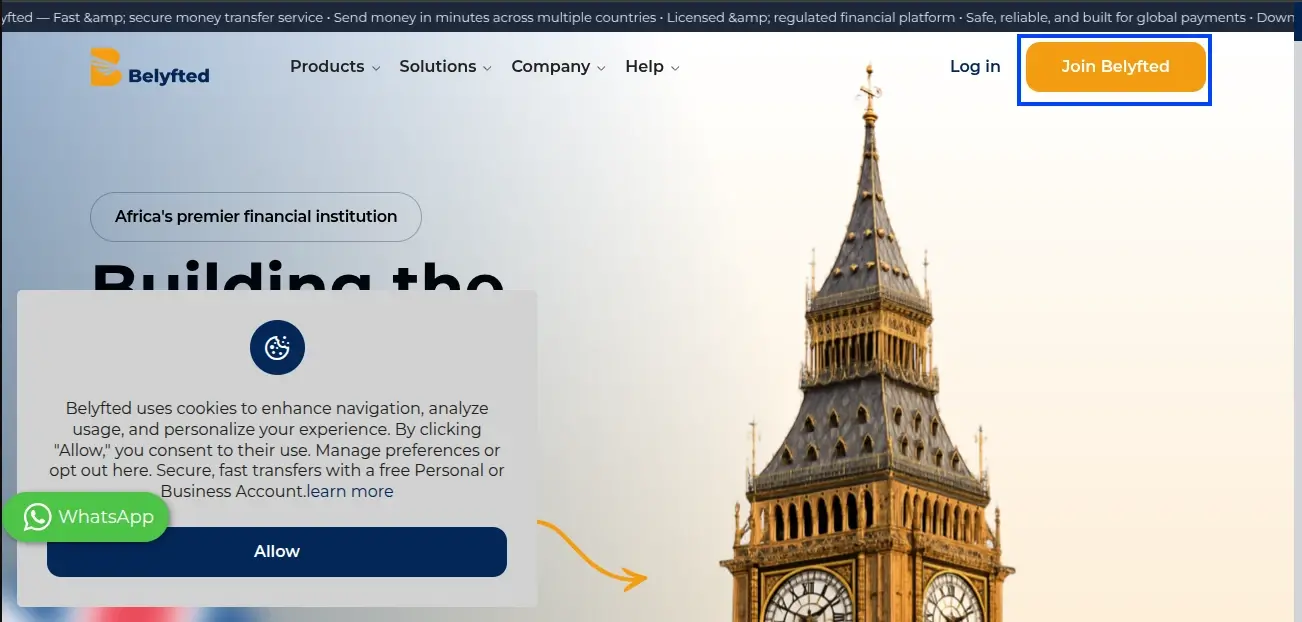
Step 1: Visit the Belyfted Website
- Open your web browser.
- Navigate to the Belyfted homepage.
- Click the Join Belyfted button in the top-right corner.
Step 2: Choose Your Account Type
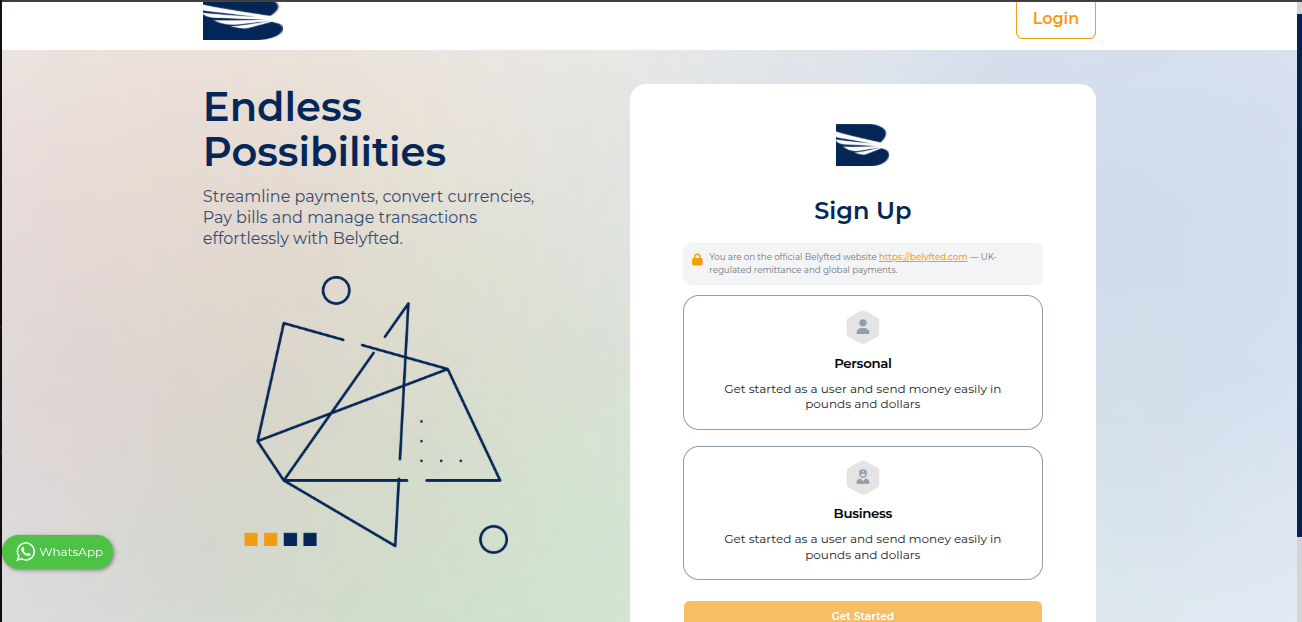
Belyfted offers different account types depending on your needs.
Select either:
- Personal Account
- Business Account
Choose the option that best matches how you intend to use the platform.
Step 3: Enter Your Registration Details
Complete the registration form by entering:
Email Address
Provide a valid email address that you can access.
Phone Number
- Select your country code.
- Enter your mobile phone number.
Consent Options
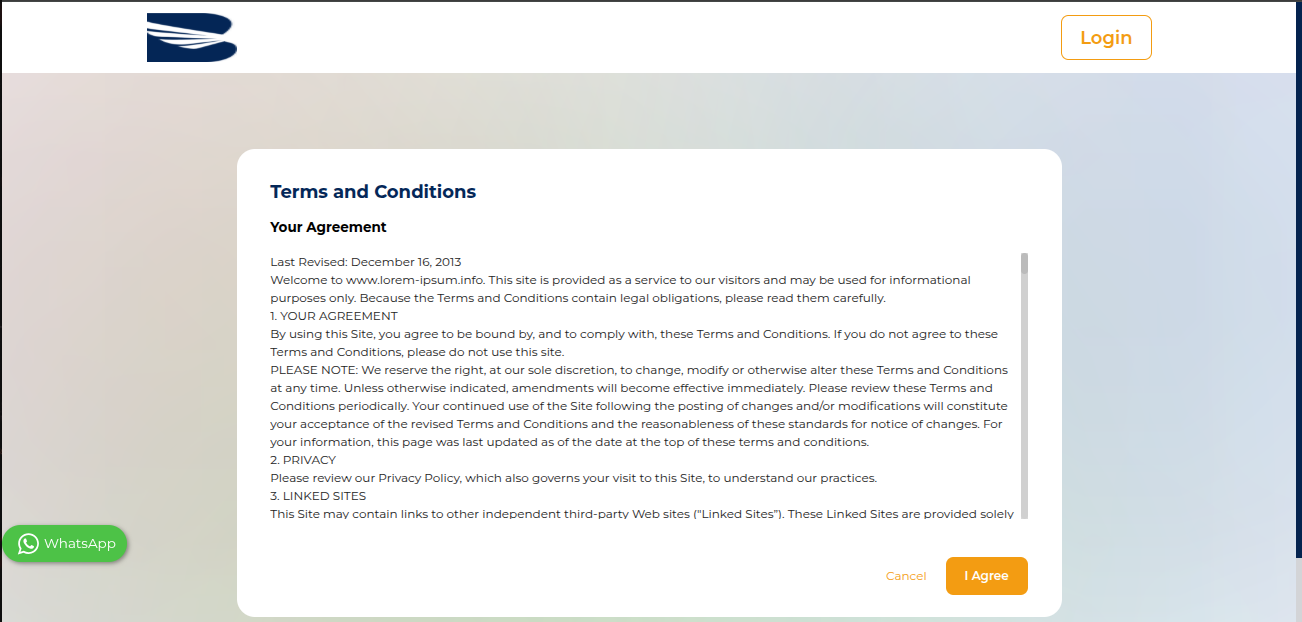
You may see the following checkboxes:
- Marketing communications consent (optional)
- Terms of Service and Privacy Policy agreement (required)
To continue, you must accept the Terms of Service and Privacy Policy.
Step 4: Continue Registration
After completing the form:
- Review your information.
- Click Continue.
If any information is invalid, an error message will appear explaining what needs to be corrected.
Step 5: Create Login Credentials
Enter:
Username
Choose a unique username.
Password
Create a secure password that includes:
- Uppercase letters
- Lowercase letters
- Numbers
- Special characters (recommended)
Confirm Password
Re-enter your password to confirm it matches.
Step 6: Submit Registration
Click the registration button to create your account.
The system will process your registration and create your Belyfted account.
Common Errors
"The mobile has already been taken"
This message indicates that the phone number is already associated with an existing Belyfted account.
Solution:
- Try signing in instead of creating a new account.
- Use a different phone number.
- Contact Belyfted Support if you believe this is an error.
Email Already Registered
If your email address already exists in the system:
Solution:
- Use the Forgot Password option.
- Sign in using your existing account.
Passwords Do Not Match
Ensure both password fields contain exactly the same password.
Next Steps
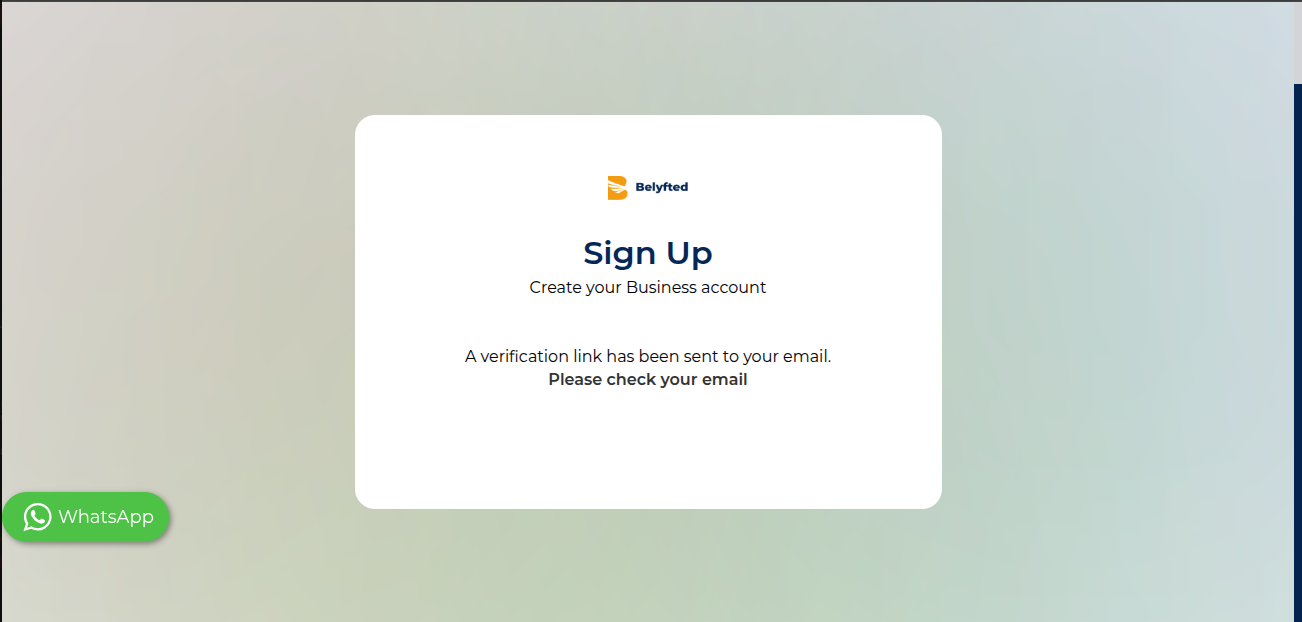
After registration, you may be required to:
- Verify your email address.
- Complete identity verification (KYC).
- Set up your account profile.
- Begin using Belyfted services.
Need More Help?
If you experience difficulties creating an account, contact the Belyfted Support Team and provide:
- The email address used for registration
- The phone number entered
- A screenshot of any error message received